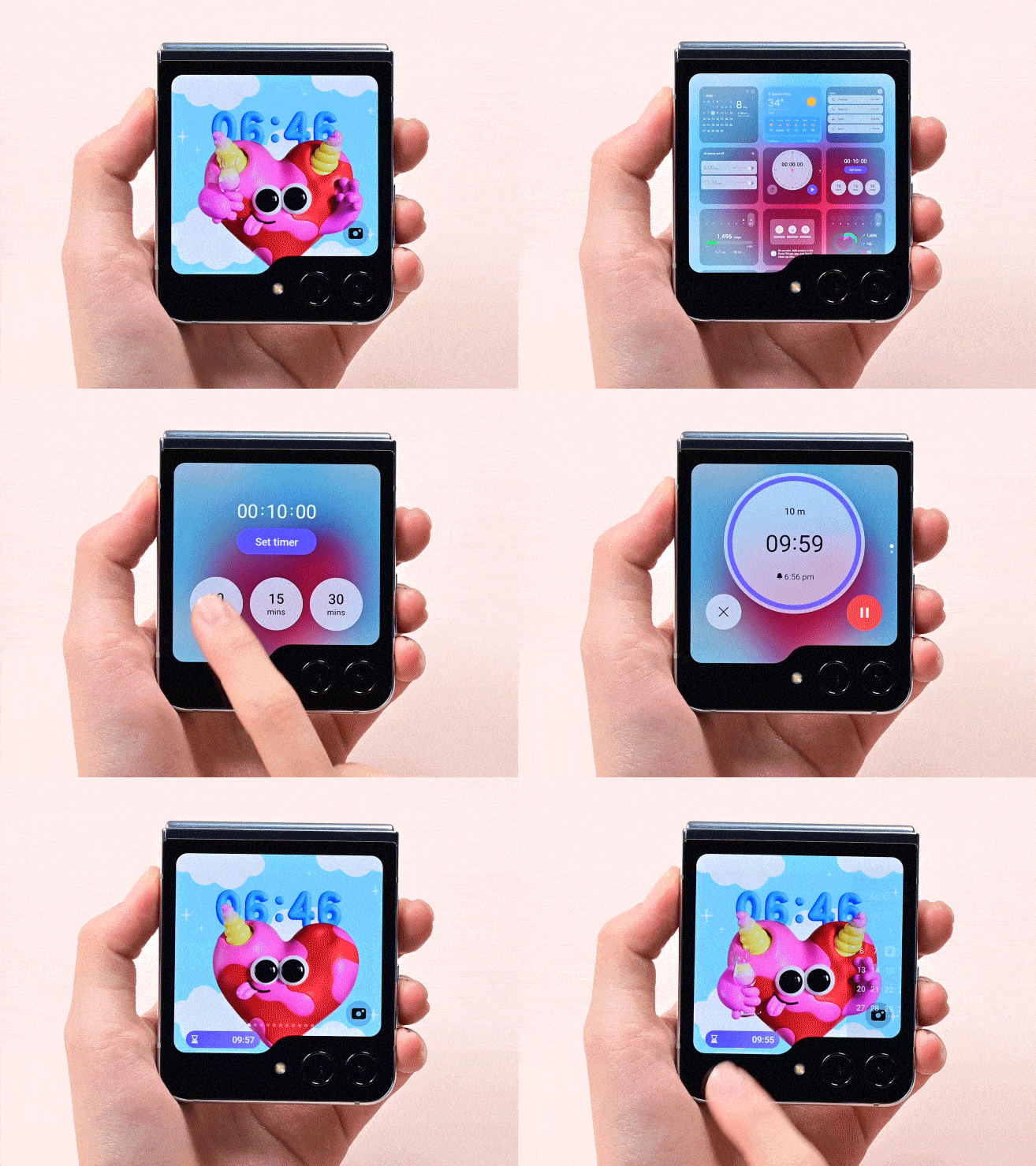
Widget exploration
Participants browsed and configured widgets to see how easily they could personalize the cover screen.
Samsung · Interaction Design · 2024
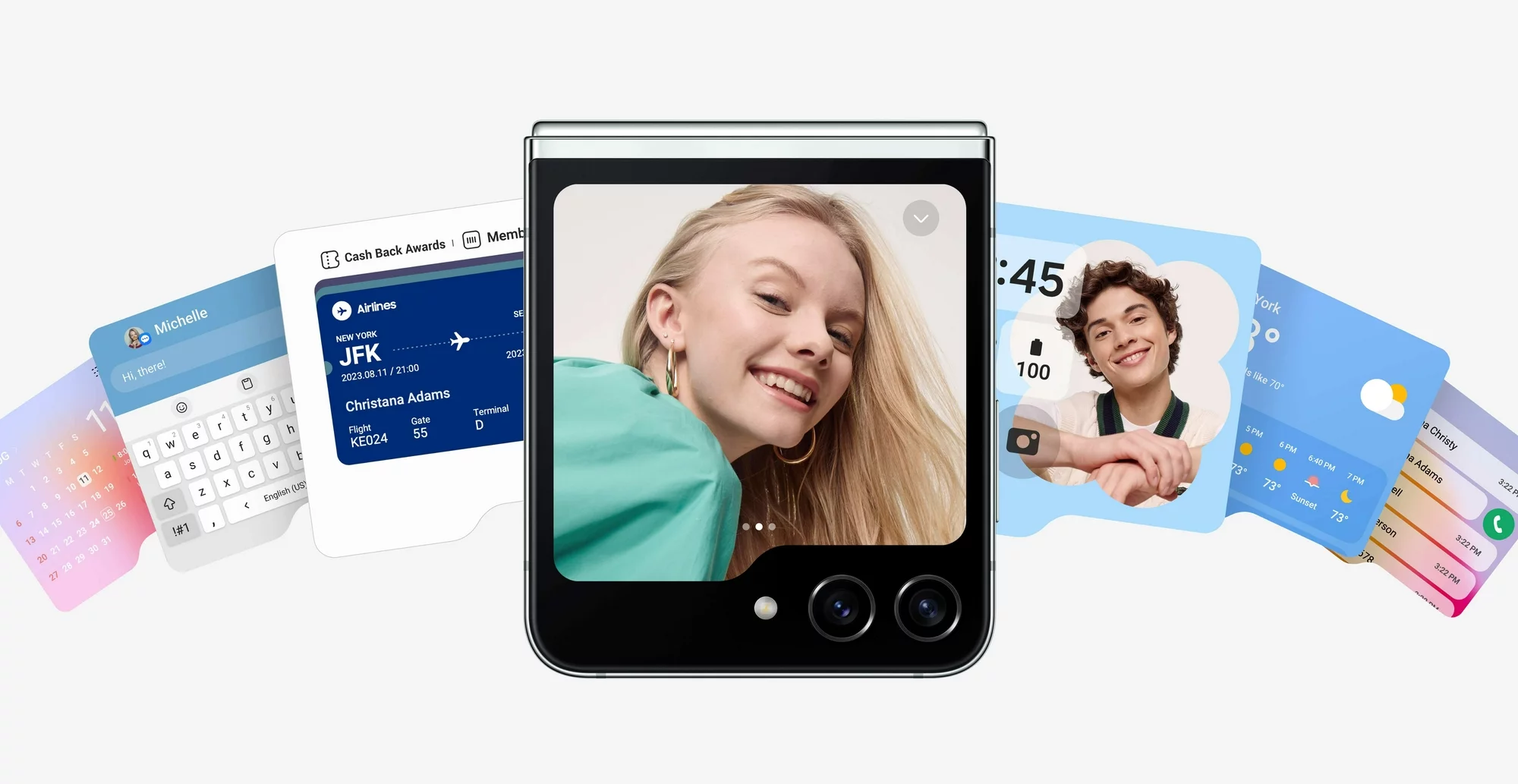
Overview
Over the winter of 2023, I had the opportunity to collaborate with Samsung to evaluate the usability and discoverability of personalization features on the device's cover screen. The goal was to identify opportunities for enhancing the cover screen experience for the subsequent flagship model, the Galaxy Z Flip 5. This project was conducted in association with the Department of Human-Centered Design & Engineering at the University of Washington.
This work had a significant impact as Samsung implemented 3 of our key design recommendations in their next-generation Galaxy Z Flip 5 series. The new phone featured a larger display for the cover screen, addressing the usability issues of the previous model's much smaller form factor.


Strategy
The design goal was to understand how Samsung's Gen Z users personalized their phones to reflect their personal identities. To refine the project scope from a broad prompt to a focused approach that adds value to the product strategy, we narrowed our usability study to the device's true USP—the cover screen—and specifically on the personalization and customization features of the cover screen.
Approach
To bring down the project scope from a broad prompt to a focused approach that adds value to the product strategy, we narrowed our usability study to the device's true USP—the cover screen—and specifically on the personalization and customization features of the cover screen.
Widget exploration
Participants browsed and configured widgets to see how easily they could personalize the cover screen.
Quick camera access
We observed how users reached the camera from the cover screen and whether default placements felt intuitive.
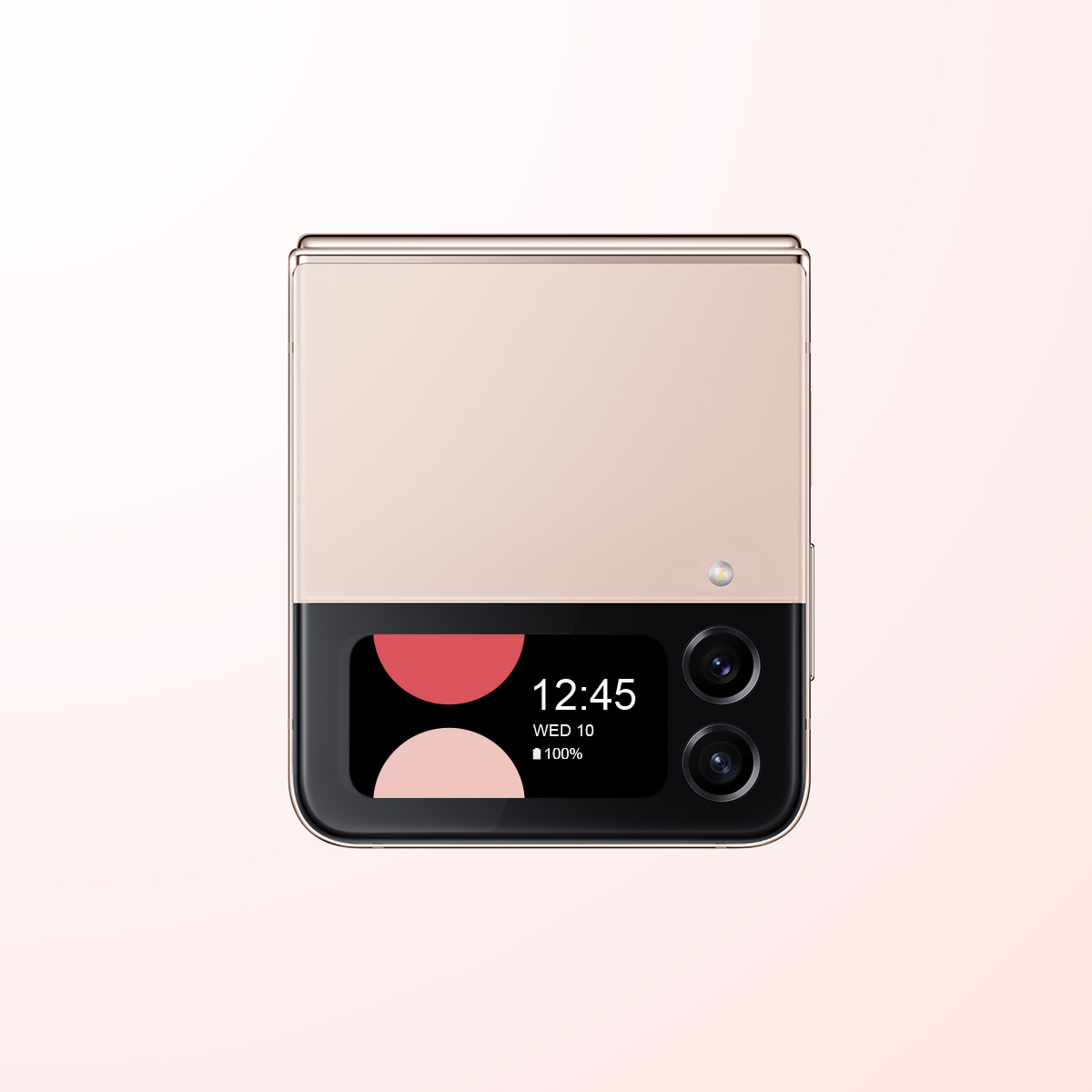
Personal expression
Sessions explored how Gen Z users treated the cover screen as an extension of their identity and style.
Insights
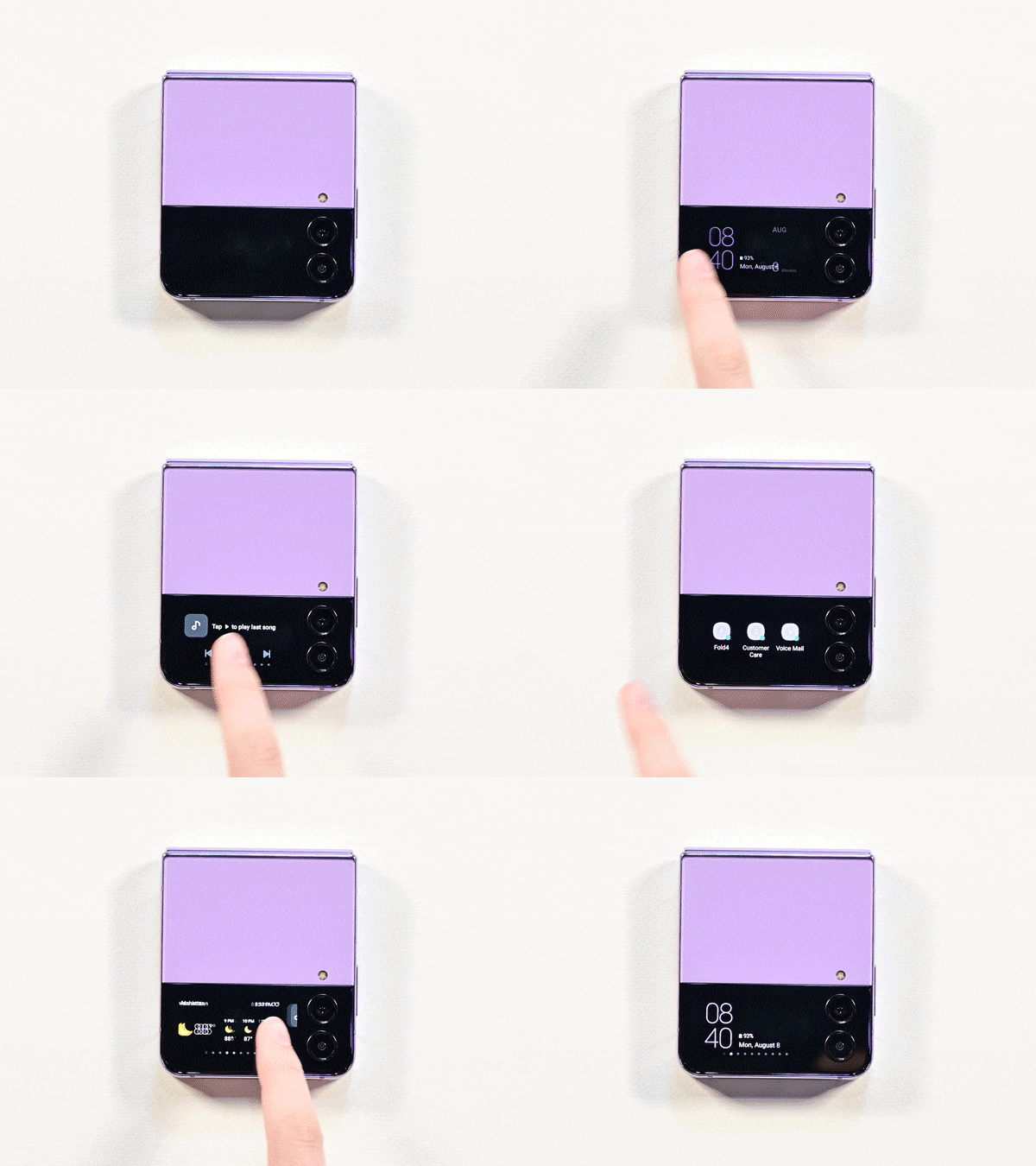
We discovered that all three tasks lacked visual cues, making it difficult for users to interact with the cover screen and discover new features. This increased both time-on-task and error rates. Many users found it easier to just open the flip screen and access main settings rather than swiping multiple times on the cover screen.
Research
Each session surfaced a distinct friction point on the cover screen—from finding settings to learning gestures and understanding what could be customized.
Participants opened the cover screen expecting quick personalization, but the path to widget settings was unclear without step-by-step guidance from a moderator.
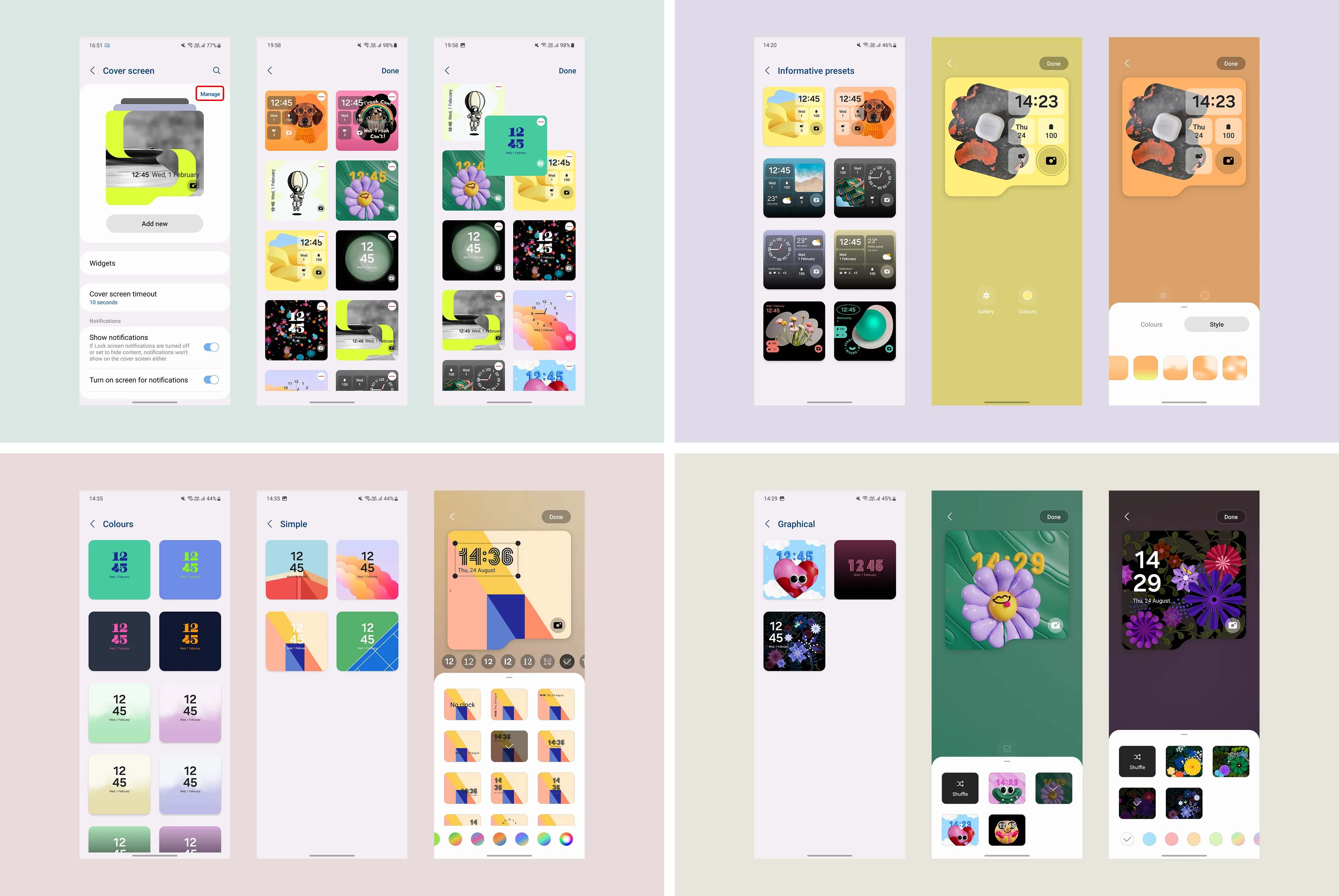
Swipe and pinch interactions were rarely discovered unprompted. Users defaulted to tapping and missed core navigation patterns unique to the Flip form factor.
On the smaller Flip 4 display, users assumed fewer customization options existed than were actually available—limiting how expressive they could be with the cover screen.
Solution #1
Introducing visual cues like icons or intuitive and familiar gestures such as swiping, tapping and zooming in/out can significantly enhance usability for both first-time users and those transitioning from an iPhone. These guides can help users familiarize themselves with the unique navigation, making it easier to discover and use customization features.
Try it — swipe widgets, tap the camera, swipe up for all widgets
Mon, September 21
Battery
100%
Clock widget
Solution #2
We recommended setting the camera icon as a default on a customizable side panel, accessible by swiping on the cover screen. This feature, prominent in Samsung Galaxy devices, offers universal access to essential functions and aligns with user habits from both Android and iPhone devices. Samsung implemented this recommendation through their multi-widget view and the pinching gesture on the screen for accessing all widgets.
This implementation allows users to quickly access the camera without navigating through multiple menus, enhancing the overall usability and efficiency of the device.
Widgets on the Z Flip 4 cover screen
Widgets on the Z Flip 4 cover screen
Solution #3
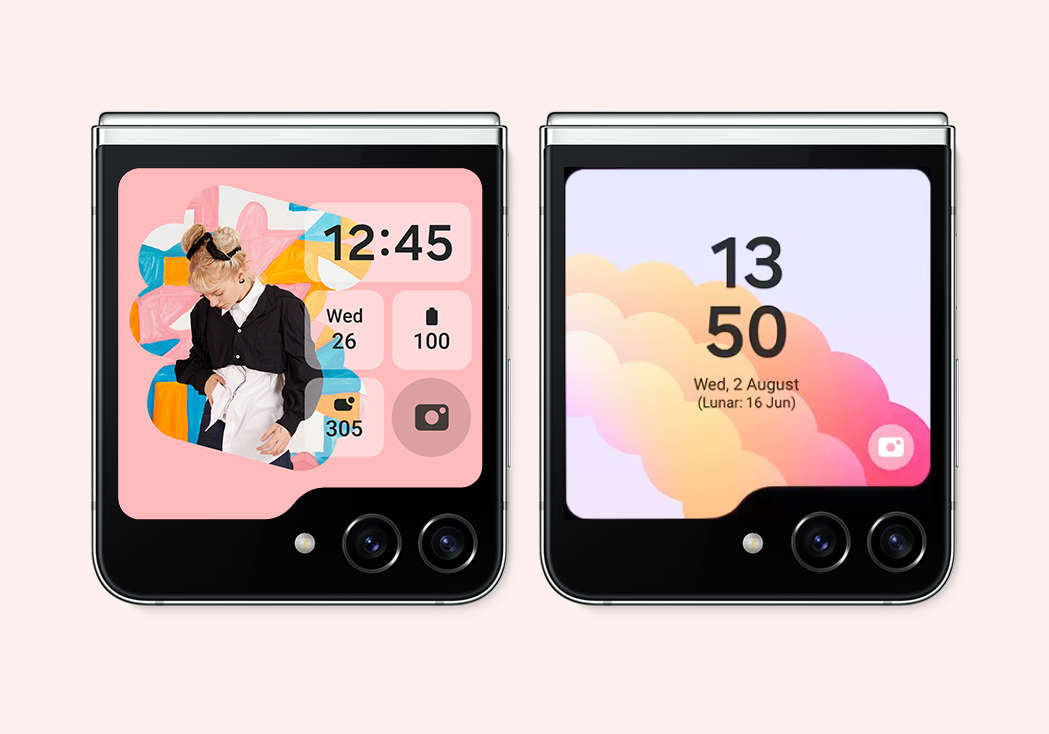
Offering a wider range of widgets would allow users to customize their device according to their daily needs, making it more personal. Adding third-party integration would help build a dedicated community of Samsung enthusiasts expressing their creativity through widgets. For the new Flip 5 cover screen, Samsung added 13+ essential widgets to choose from. While third-party widgets are still limited, an app called Good Lock now makes it possible to run any app, including games, on the larger screen.
Before: Limited widget selection & functionality
After
The design system became the backbone for how the team designed and built—unifying web and mobile, automating manual workflows, and giving the org a shared foundation to ship faster with less rework.
